
Continuing our series on how to find a job in animation, we’re covering the software studios actually use in production. Each stage of the animation pipeline relies on different software, so being familiar with them can give you a competitive edge when you’re looking for work and help you improve your portfolio pieces. Plus, once you have a chance to try the different programs, you might find that one appeals to you more than others. If you’re still trying to decide what path to pursue, this can help you make a decision.
If you do know which roles you’re interested in, practicing and learning about animation software used by professionals in those positions can make it easier to eventually find work. Studios want artists who can integrate smoothly into their workflow without needing weeks of extra training.
Whether you’re storyboarding, animating, or compositing, knowing the right tools shows that you’re industry-ready.
If you want to build skills that are useful regardless of what software you use join our Basics in traditional 2D animation
Pre-Production Software
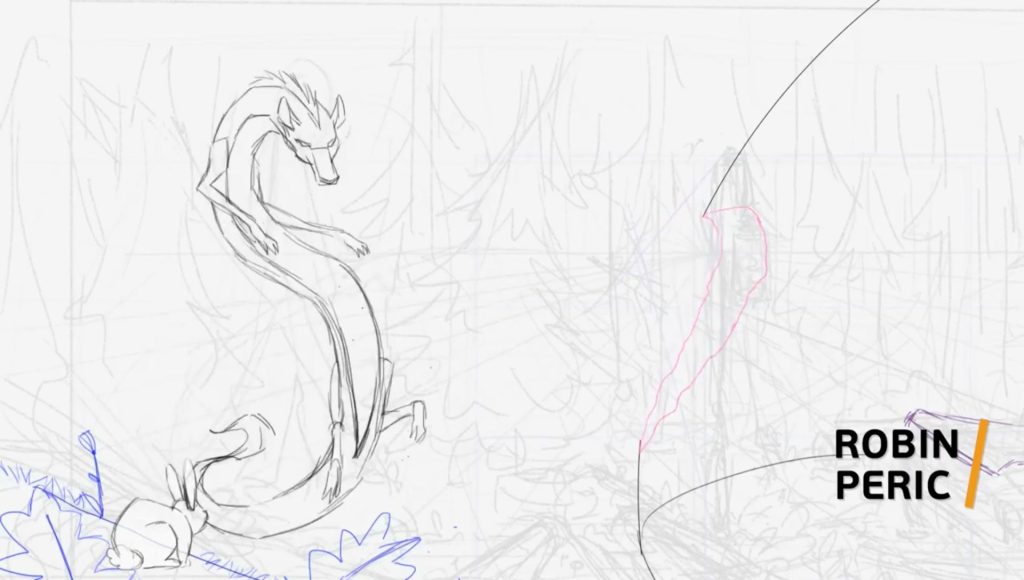
Look at tools that were created to help with storyboarding, visual development, concept art, animatics, and planning. Some programs for this stage include:
Photoshop (Adobe)
Studios and artists often use Photoshop for concept art, character design, backgrounds, and light animatics. It’s a raster-based graphics editing tool often used for creating and altering digital art.
- Studios That Use It: Disney, Pixar, DreamWorks, Laika, Sony Pictures Animation
- Why It’s Useful: A versatile program, it’s become an industry standard for visual development. It’s also a valuable program to know because so many studios use it, and the file type is compatible with other animation software.
Toon Boom Storyboard Pro
Toon Boom Storyboard Pro was designed with storyboarding in mind. It has integrated camera moves, audio syncing, and timeline tools to make each step of the storyboarding process simpler and faster.
- Studios That Use It: Disney TV, Cartoon Network, Nickelodeon, Netflix Animation, Titmouse
- Why It’s Useful: It has a full boarding and animatic toolset that was built to make the process easy. It also seamlessly integrates with Toon Boom Harmony, a tool often used during production.
Procreate
This software is a drawing app for the iPad that you can use for sketching, thumbnails, and early design work or pitch frames.
- Studios That Use It: Studio Trigger (Japan), freelance artists and studios for pitch and visualization
- Why It’s Useful: Procreate is intuitive to learn, quick, easily portable, and ideal for quick ideas and loopable animations. It’s also a relatively inexpensive program.
Clip Studio Paint
While Clip Studio Paint was originally created for comics and manga, it also has tools you can use for animatics, limited 2D animation, planning, designing, and visual development.
- Studios That Use It: Studio Trigger (Japan), Mooncolony, manga artists, indie creators
- Why It’s Useful: It’s an ideal place to start for anyone moving from comics to animation. Clip Studio Paint also has a number of tools that integrate with OpenToonz, a software used in the production stage.
Krita
Krita is a powerful, open-source digital painting program that’s often used for visual development and planning. Its brush engine and layer system make it especially strong for expressive digital painting and style exploration.
- Studios That Use It: Toboggan Studio, Twinimation Studios, indie animators
- Why It’s Useful: Free and widely accessible, it’s an ideal starting place for students and new animators, especially for hand-drawn, frame-by-frame animation. It supports basic timeline animation and onion skinning, so it’s ideal for storyboards and animatics.
Once the pre-production team finishes the planning and creating assets, they pass all the files and information to the production team. You can see this process for yourself in our Short Film Creation: Visual Development course.
Production Software
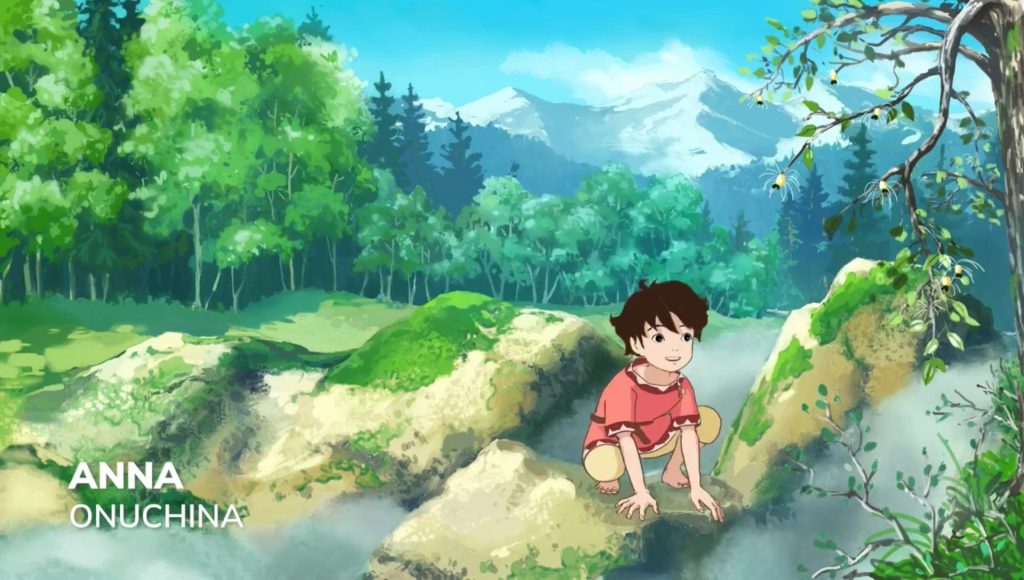
Animators need software that will help them create rough animation, clean up their animation, add color and effects, and assemble scenes easily. Some of the more commonly used programs are:
Toon Boom Harmony
You may already be familiar with Toon Boom Harmony if you watched any behind the scene videos from your favorite animates. This program is an industry standard for cutout, rig-based, and hybrid 2D pipelines.
- Studios That Use It: Disney TV, Bento Box, Titmouse, Mercury Filmworks, WildBrain
- Why It’s Useful: Created for animation workflows, it has studio-grade scene management and integration with other programs in the pipeline. It has an advanced rigging system and FX nodes you can use to add visual effects without switching to a separate piece of software.
TVPaint
TVPaint is a great program for frame-by-frame traditional animation, and it includes powerful drawing and timing tools. The program has a similar feel to hand-drawn animation.
- Studios That Use It: Cartoon Saloon, Studio La Cachette, Gobelins, Folivari
- Why It’s Useful: This program’s brush engine is extremely customizable, so it can mimic the textures of real ink, paint, or pencils. It also has impressive layer management and timeline controls.
Adobe Animate
Adobe Animate is a vector-based animation software that’s commonly used for puppet animation and tween-based animation. It’s ideal for TV production, interactive media, 2D animation, and 2D games.
- Studios That Use It: Nickelodeon, Titmouse, Sony Pictures Animation
- Why It’s Useful: It supports both frame-by-frame and symbol-based animation, making it flexible for different workflows and allowing for a streamlined animation and revision process. Its integration with other Adobe programs also makes asset sharing easy.
Moho (formerly Anime Studio)
Moho uses a vector-based rigging system, and it’s known for combining traditional and cutout animation in a clean, timeline-based workflow. This program is especially strong for rig-based 2D animation, with its unique Vitruvian Bone system and mesh deformers.
- Studios That Use It: Cartoon Saloon, smaller independent studios, educational and YouTube productions, and freelancers
- Why It’s Useful: It’s well-known for its rigging system, offering advanced bone rigging, mesh deformation, and smart actions. It integrates with Blender and game engines, and it also offers powerful tools for frame-by-frame animation.
OpenToonz
OpenToonz is an open-source, production-level 2D animation software used in professional studios for frame-by-frame or FX-heavy animation. It supports both traditional and digital workflows, including scanning drawings and adding effects.
- Studios That Use It: Studio Ghibli, indie animators
- Why It’s Useful: It was originally created for hand-drawn animation cells, so it has an exceptional scan to animation program feature and vectorizes hand-drawn raster images. It’s free and powerful for roughs, rigging and mesh deformation, tweening, ink and paint, and compositing. It also has a professional-level x-sheet system.
Clip Studio EX
This version of Clip Studio includes the features of Clip Studio Paint and adds advanced animation tools capable of creating professional-level 2D animation. It integrates with Clip Studio Paint, allowing you to animate directly in it after pre-production has created the storyboard and assets.
- Studios That Use It: ARTAN animation, indie creators
- Why It’s Useful: It supports unlimited frames, frame-by-frame timeline editing, camera moves, and easy exporting for post-production work.
Blender (2D/3D)
An open-source, all-in-one suite for 3D animation and 2D Grease Pencil hybrid work, Blender is excellent for stylized storytelling. It’s free, flexible, and expanding rapidly in professional use, sometimes called the Swiss Army knife of animation software for its use across all stages of the animation pipeline.
- Studios That Use It: Studio Orange (Beastars), Ubisoft, Blender Animation Studio
- Why It’s Useful: It was originally used for mesh deformation, and it has since added tweening capabilities and now allows animators to add special effects directly onto ink, including boiling effects and color or lighting changes.
Procreate Dreams
An iPad-based animation app designed for full 2D production, including timeline editing, keyframing, compositing, and performance-based tools. It allows artists to animate directly on the screen using touch and Apple Pencil, making the process intuitive and portable.
- Studios That Use It: Freelancers, indie animators, and small studios
- Why It’s Useful: It allows animators to sketch, animate, edit, and composite all in one setup that you can carry around easily. Its real-time editing capabilities make it easy to experiment and make quick changes.
Once animators finish this stage, they pass the completed animation to the post-production team for polishing. Our Short Film Creation: Animation & Directing course mimics the workflow of a studio by having different teams work together to create a fully animated tribute trailer.
Post-Production Software
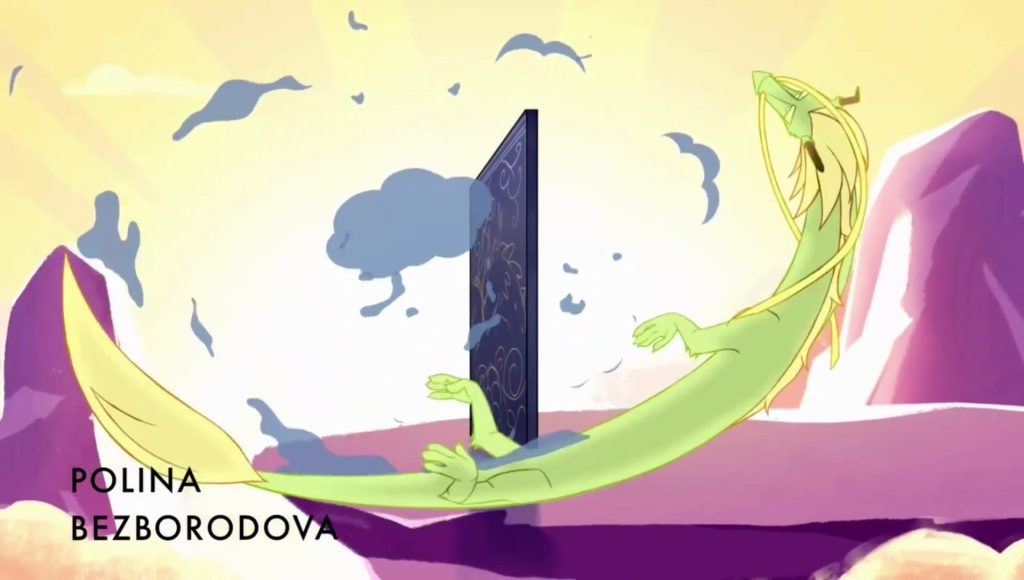
In post-production, programs focus on compositing, effects, rendering, and final polish. Some of the commonly used programs include:
Adobe After Effects
Adobe After Effects is an industry-standard compositing and motion graphics software that’s often used to add effects, titles, and polish to animation projects.
- Studios That Use It: Many major studios and freelancer worldwide
- Why It’s Useful: This program has powerful layering, effects, and animation tools for post-production polish and motion design. It allows animators to efficiently combine layers, adjust color and lighting, and make simple revisions without the need to completely recreate a scene.
OpenToonz
OpenToonz is open-source and typically used for 2D animation, but it also includes a powerful FX node system that’s useful for stylized effects and scene finishing. It’s usually used in the production stage, but it can support post-production for smaller pipelines.
- Studios That Use It: Studio Ghibli (historically), indie, and educational pipelines
- Why It’s Useful: It’s excellent for adding final touches in 2D and handles multiplane and dynamic FX well, with strong complex timing tools.
Blender
In post-production, Blender can be used for compositing, lighting adjustments, camera integration, final 3D rendering, and even limited video editing.
- Studios That Use It: Studio Orange (Beastars), Ubisoft, Blender Animation Studio
- Why It’s Useful: Its built-in compositor and real-time rendering tools allow teams to combine 2D and 3D elements within one environment. It’s especially useful for adding effects like particle effects, smoke, fire, fluid, and cloth simulation.
Nuke
Nuke is a node-based compositing software used in many high-end films, television, and visual effects production. Although most commonly associated with VFX-heavy projects, it’s also used in advanced compositing for animated films and hybrid productions.
- Studios That Use It: Disney, DreamWorks, Studio Ghibli, Major film studios, Sony Pictures Animation, VFX houses
- Why It’s Useful: Its node-based system allows for highly controlled, non-linear compositing workflows. Nuke handles complex layering, lighting integration, color correction, and effects at a professional scale.
Blackmagic Fusion
Blackmagic Fusion is a node-based compositing software used in film, television, and broadcast production. It’s also designed for advanced visual effects and compositing workflows.
- Studios That Use It: InfiniteWorld, film studios, broadcast productions, VFX teams
- Why It’s Useful: This program is ideal for complex compositing tasks, including visual effects integration, 3D compositing, particle systems, and color work.
Finding What Clicks
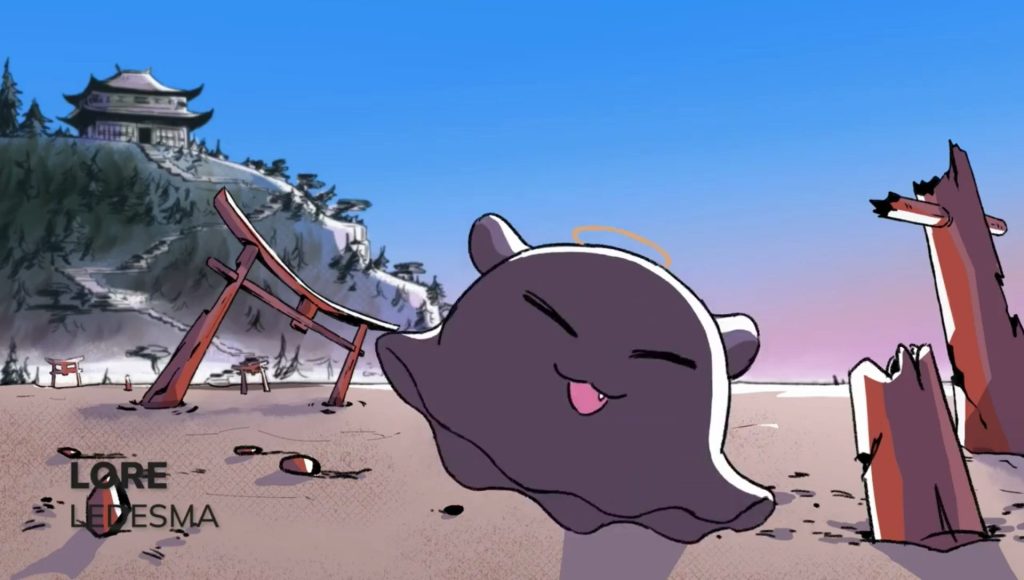
What could you see yourself doing 40 hours a week? Creating new stories or brainstorming ideas? Creating key animation frames or effects? Do you like adding music or sound effects? What about compositing and editing a final product? If you’re already familiar with any of these programs, also ask yourself if you’d enjoy working in them every day.
Think about which part of the pipeline animation feels the most rewarding, energizing, and even a little fun. Imagine the sort of tasks you’d enjoy completing most days. When you find what clicks, you’ll find that your work can feel exciting and fulfilling. When your passion and skills align, those 40 hours a week become moments you look forward to, even during the tough weeks. That’s where a fulfilling creative career begins.
If you’re interested in learning how to use these tools to refine your animation techniques, check out our Traditional 2D Animation courses to learn alongside other dedicated artists who are also interested in a career in animation. You’ll connect with peers, learn from industry mentors, and receive feedback that will help you improve your skills and become more studio-ready.